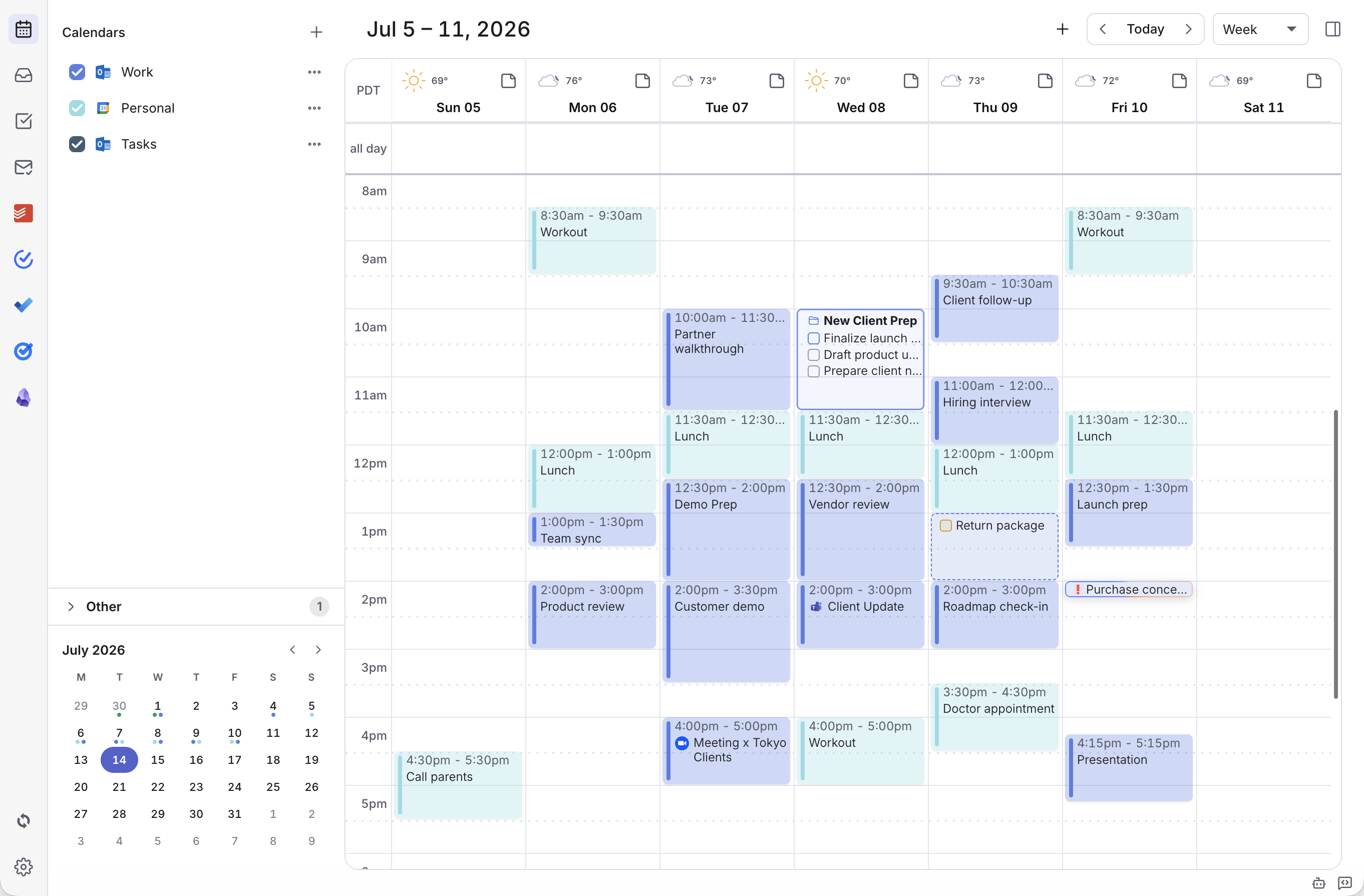
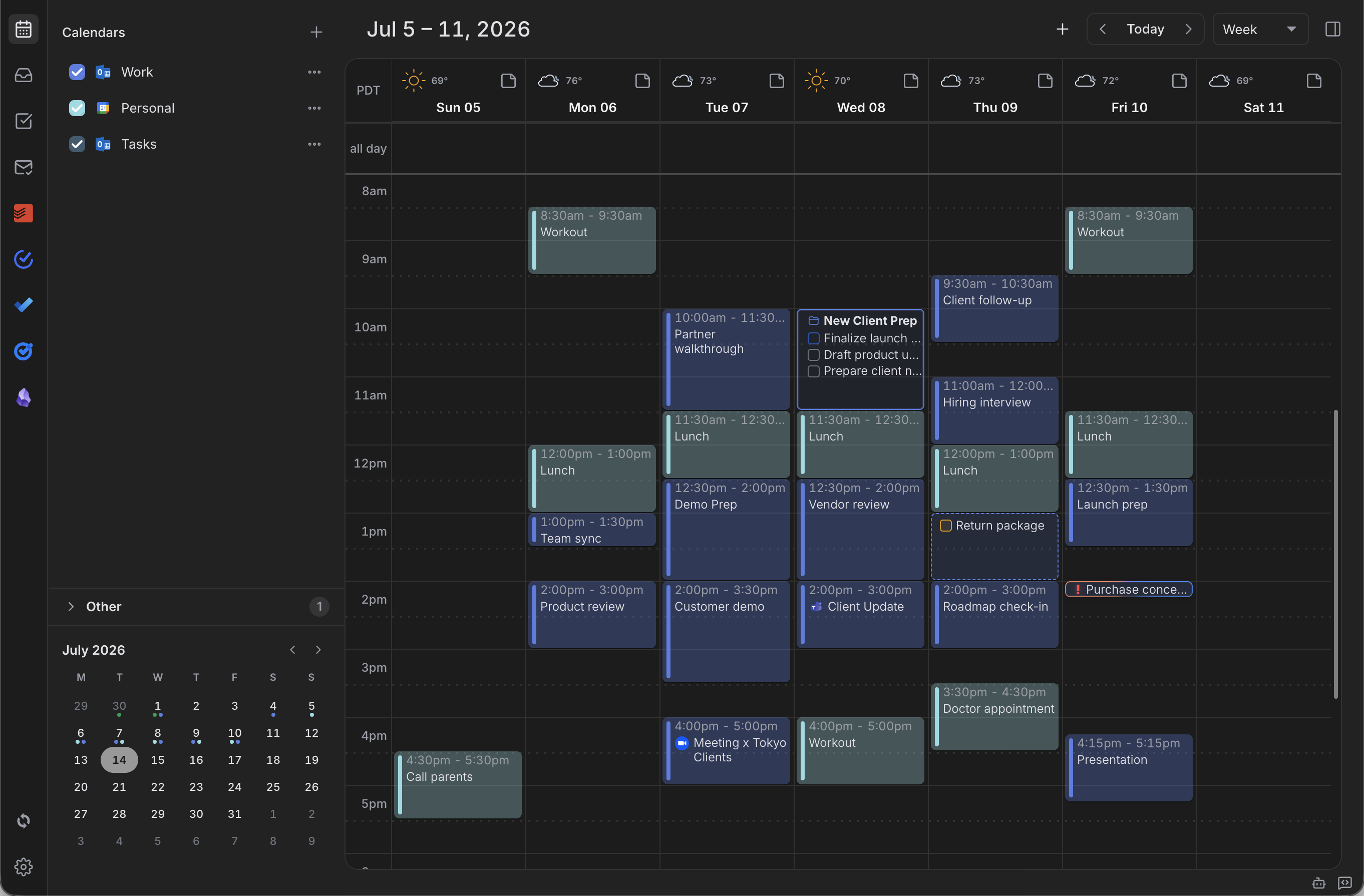
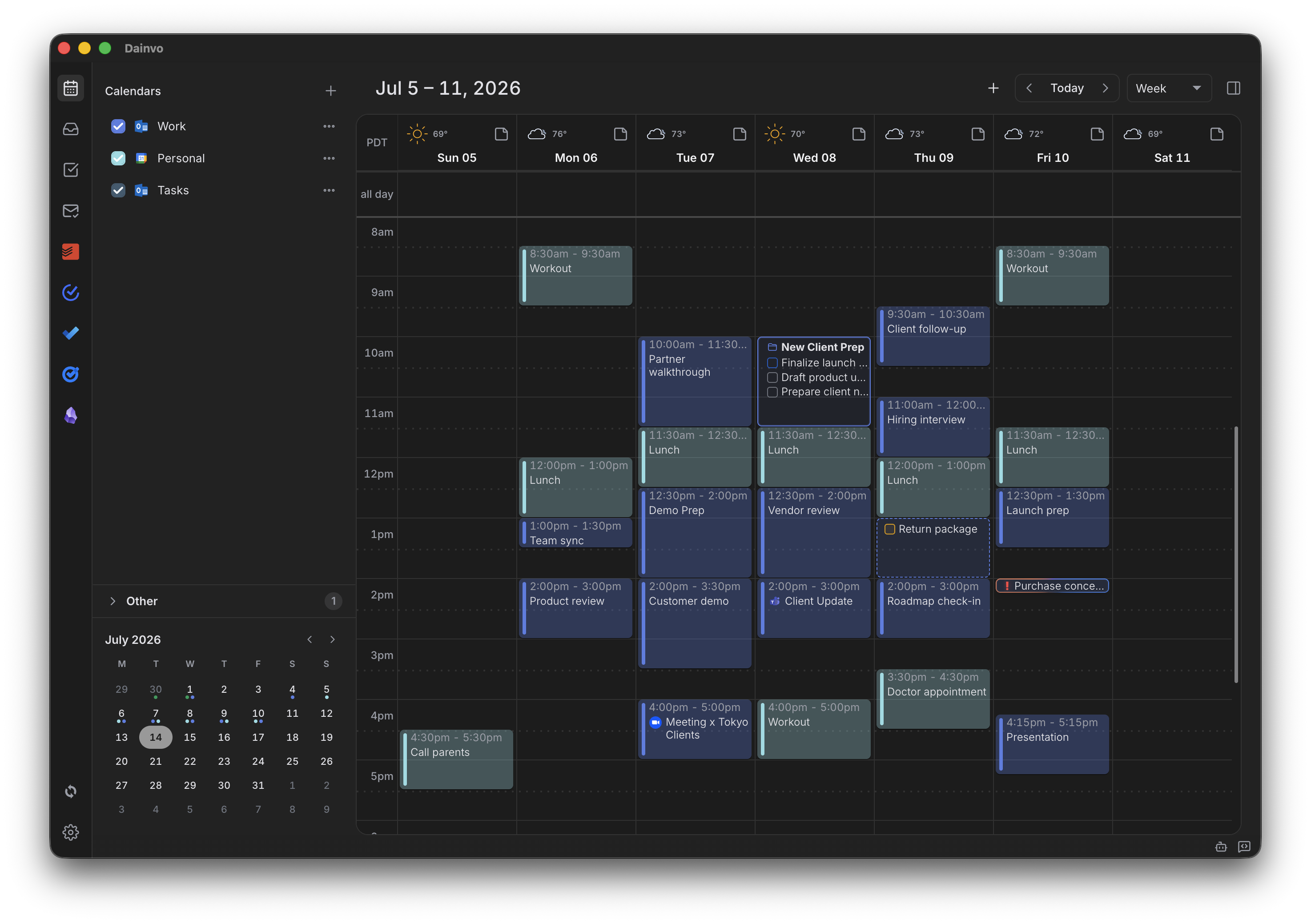
See your calendars, tasks, Projects, meetings, notes, and work blocks together. Decide what deserves time, then schedule it without rebuilding your system.
Pro
Keep Pro at the launch price.
Choose $5 per month or $48 per year. Your launch price stays locked while your subscription remains active.
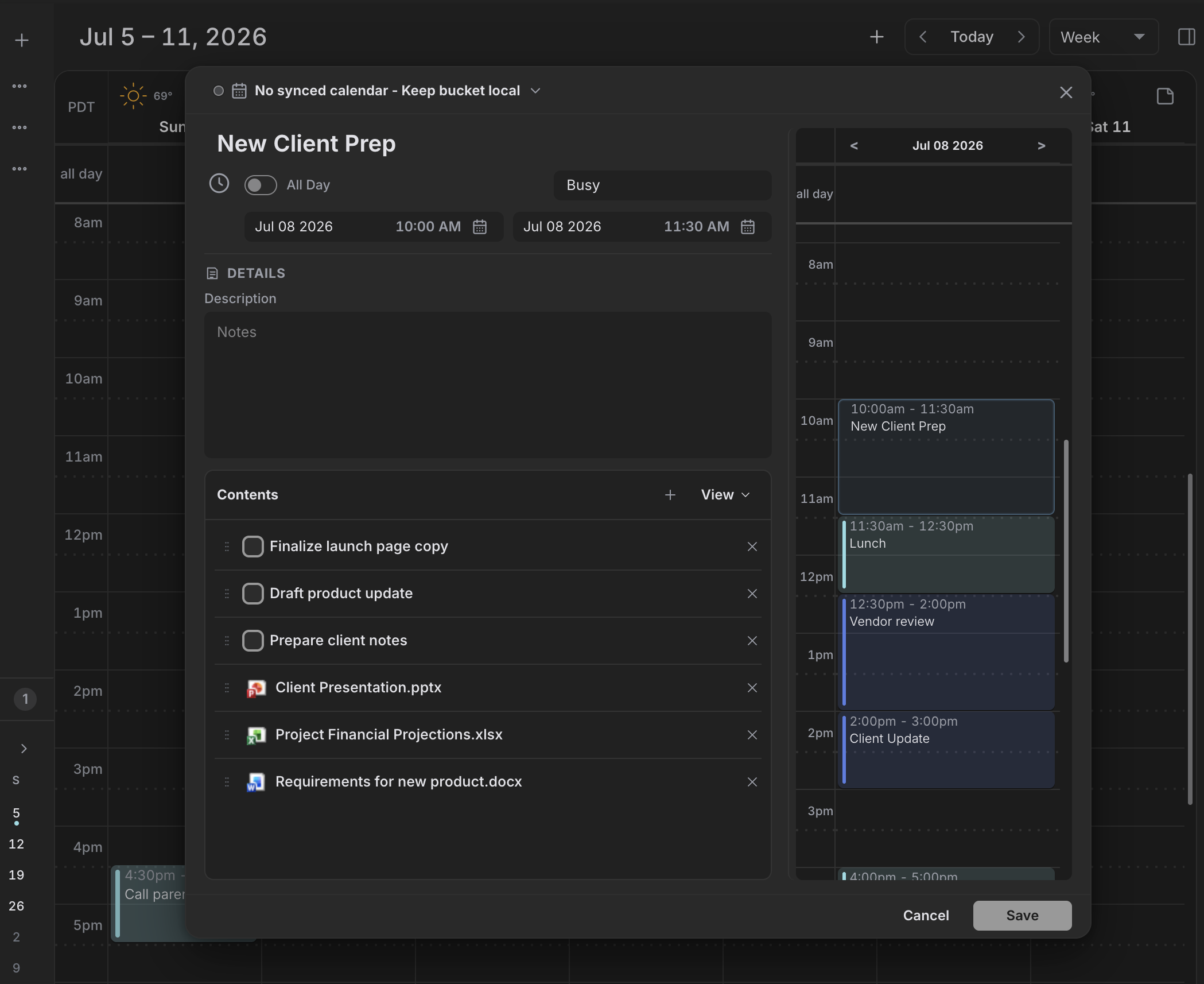
Keep fixed commitments, open tasks, planned work, and the context behind them visible together.
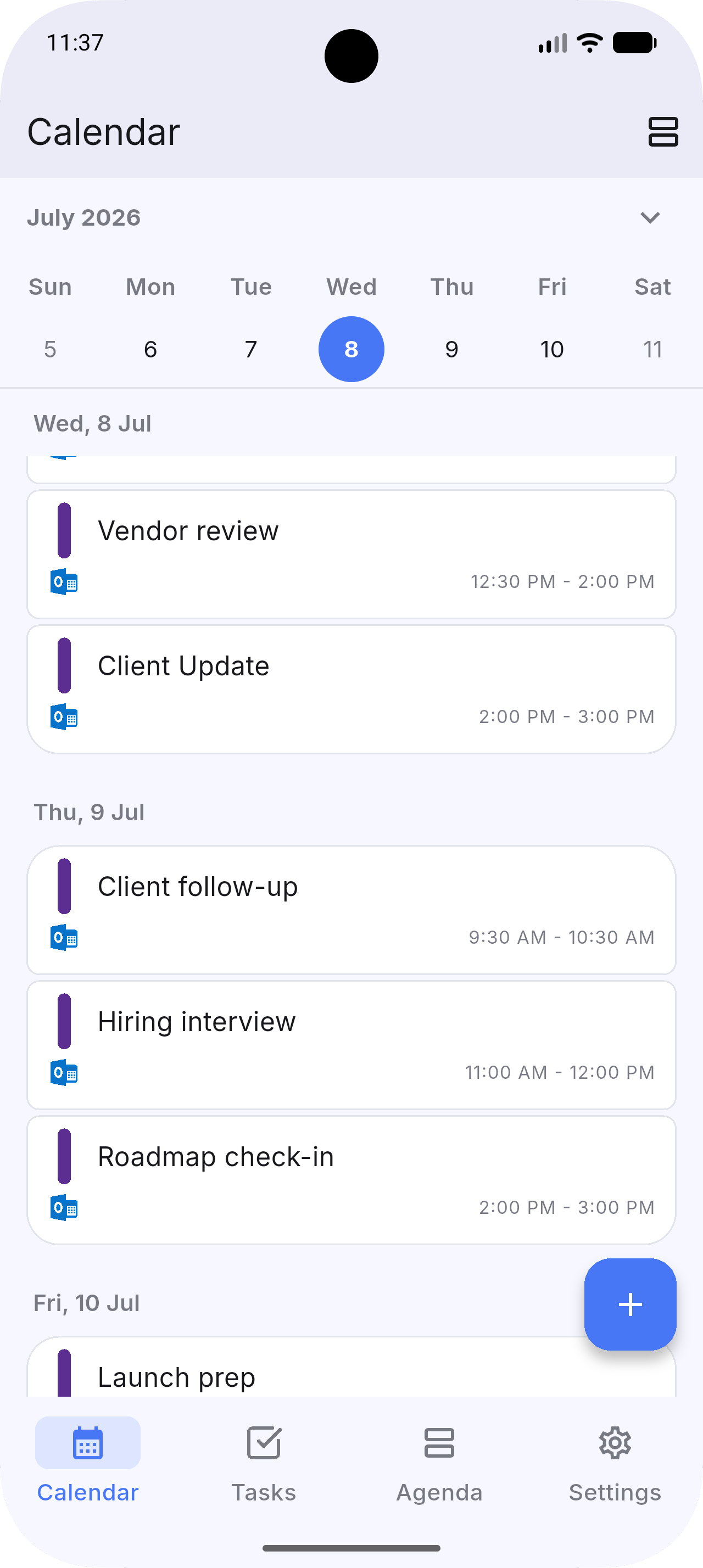
See every calendar before you commit the time.
Bring Google, Outlook, Apple, CalDAV, and local Dainvo calendars into one view. Create and update supported events, respond to invitations, and join online meetings.
Schedule one task as a task block, group several tasks inside a Bucket, or give a Project several work sessions. Move and resize the blocks when the plan changes.
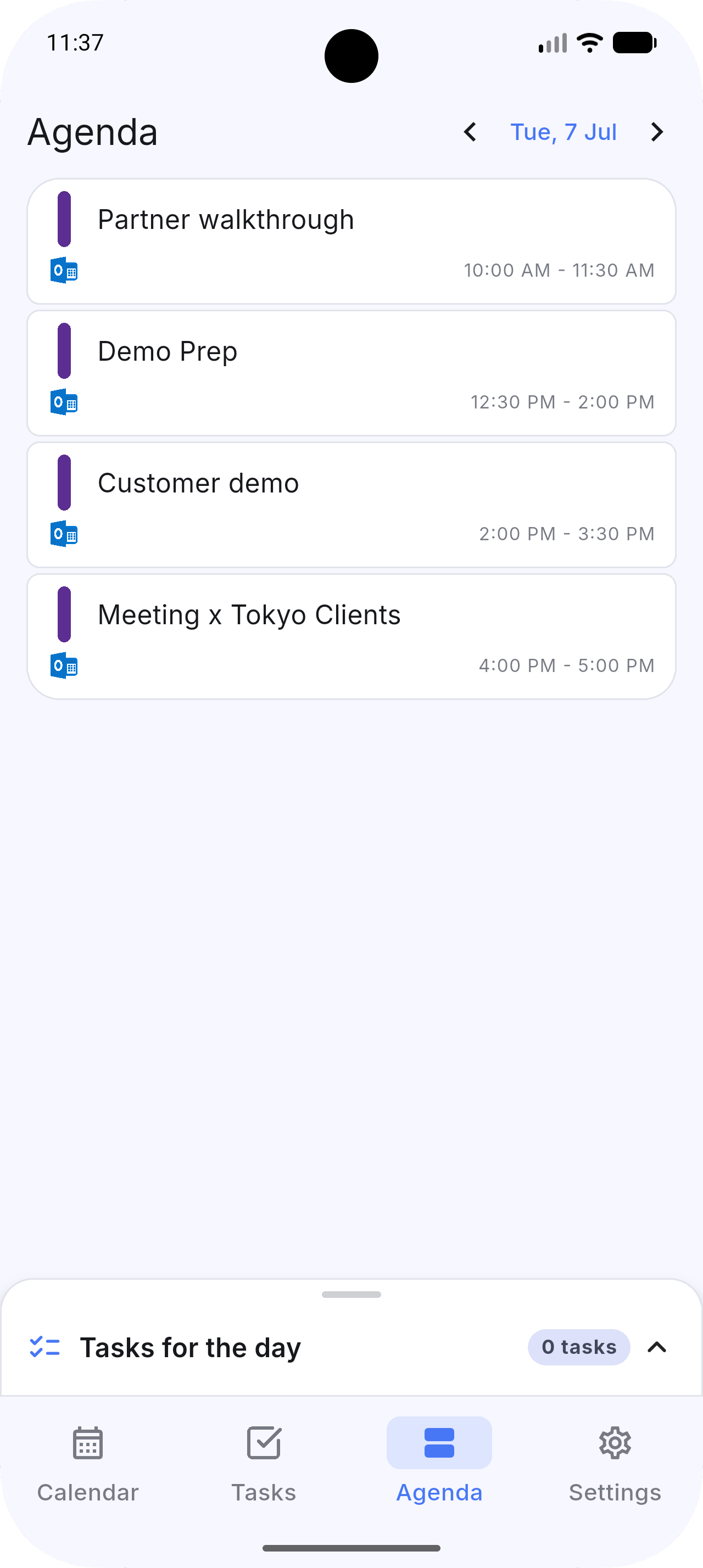
Bring work and personal schedules together so you always know what is next.
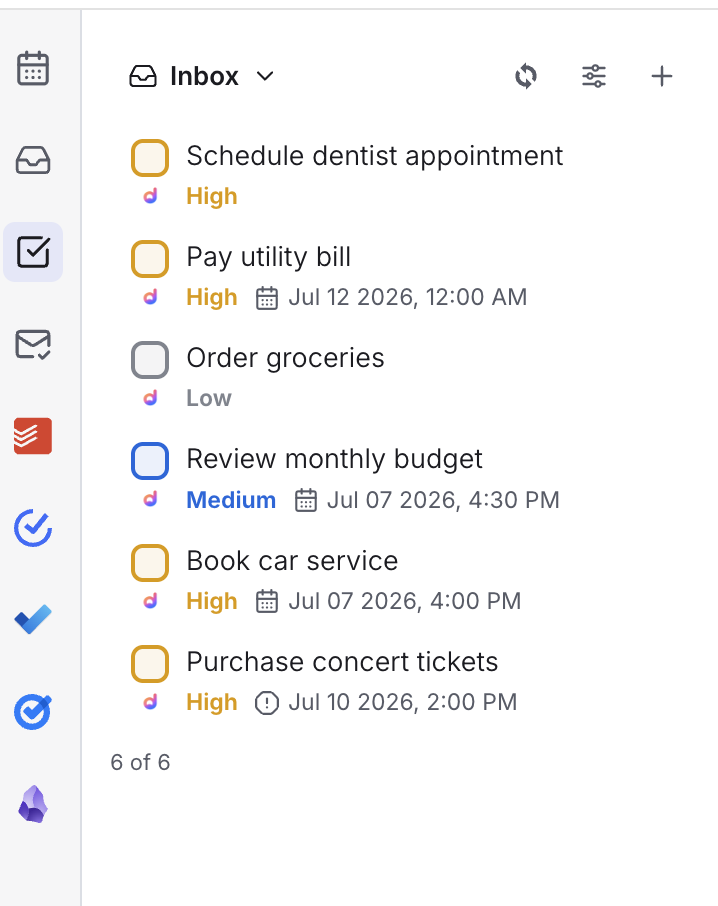
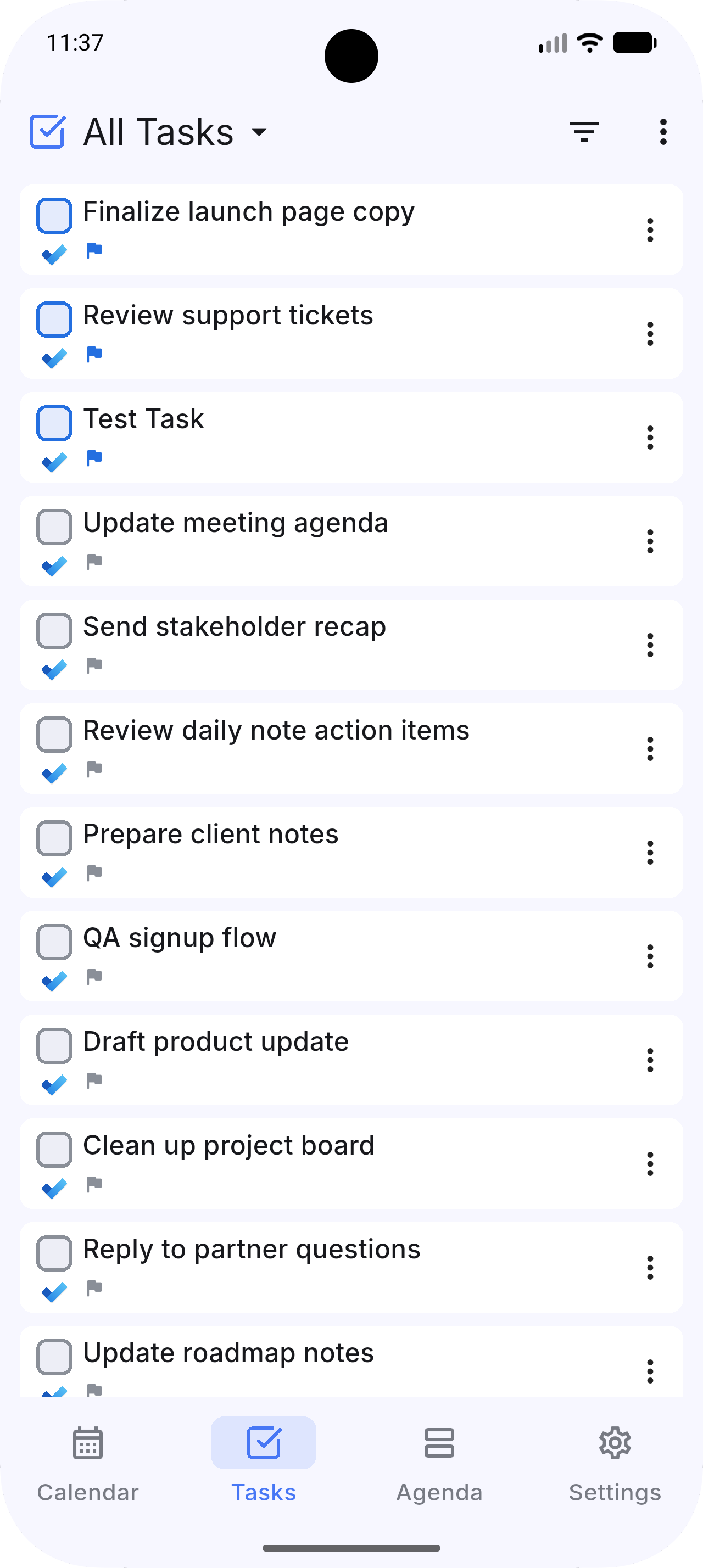
Tasks beside the plan
See Google Tasks, Todoist, TickTick, and Microsoft To Do right alongside your time.
Provider content stays with its provider.
Calendar events and tasks from connected providers sync directly with those providers. Dainvo Account sync stores Dainvo-owned tasks and the planning data you choose to sync across devices, including My Day, Buckets, Projects, blocks, and enrolled Dainvo Calendars. Daily Notes, Project Notes, and file links attached to Buckets or Projects stay on your device.
Questions, answered
What is Dainvo?
Dainvo is a local-first planning app for calendars, tasks, Projects, meetings, notes, and focused work. It keeps connected tools visible in one daily workspace and adds task blocks, Buckets, Projects, My Day, Inbox, notes, and Automation rules.
Can I connect my calendar and tasks?
Yes. Dainvo works with Google, Outlook, Apple, and CalDAV calendars, plus Dainvo Tasks, Todoist, Microsoft To Do, Google Tasks, TickTick, and Obsidian tasks.
Does Dainvo support Projects?
Yes. Dainvo Projects can organize a deadline, ordered tasks, one level of subprojects, notes, local file links, and several calendar blocks. Projects are included with Pro and eligible managed plans, with companion mobile sync.
Can I use ChatGPT or Claude with Dainvo?
Yes. Supported direct desktop packages offer built-in ChatGPT and Claude providers. You can also connect an external ChatGPT, Codex, or Claude client through MCP. Dainvo limits data access and asks before every change.
Can I sync Daily Notes between desktop and mobile?
Not yet. Dainvo Daily Notes are local Markdown files on desktop today. A mobile editor and cross-device Daily Notes sync are in development and are not part of the current release.
Make room for the work that matters.
Bring calendars, connected tasks, Projects, meetings, notes, and focused work into one planning workspace.