
Plan the day.Then take it with you.
Calendars, tasks, Projects, My Day, and focused work together on your phone.
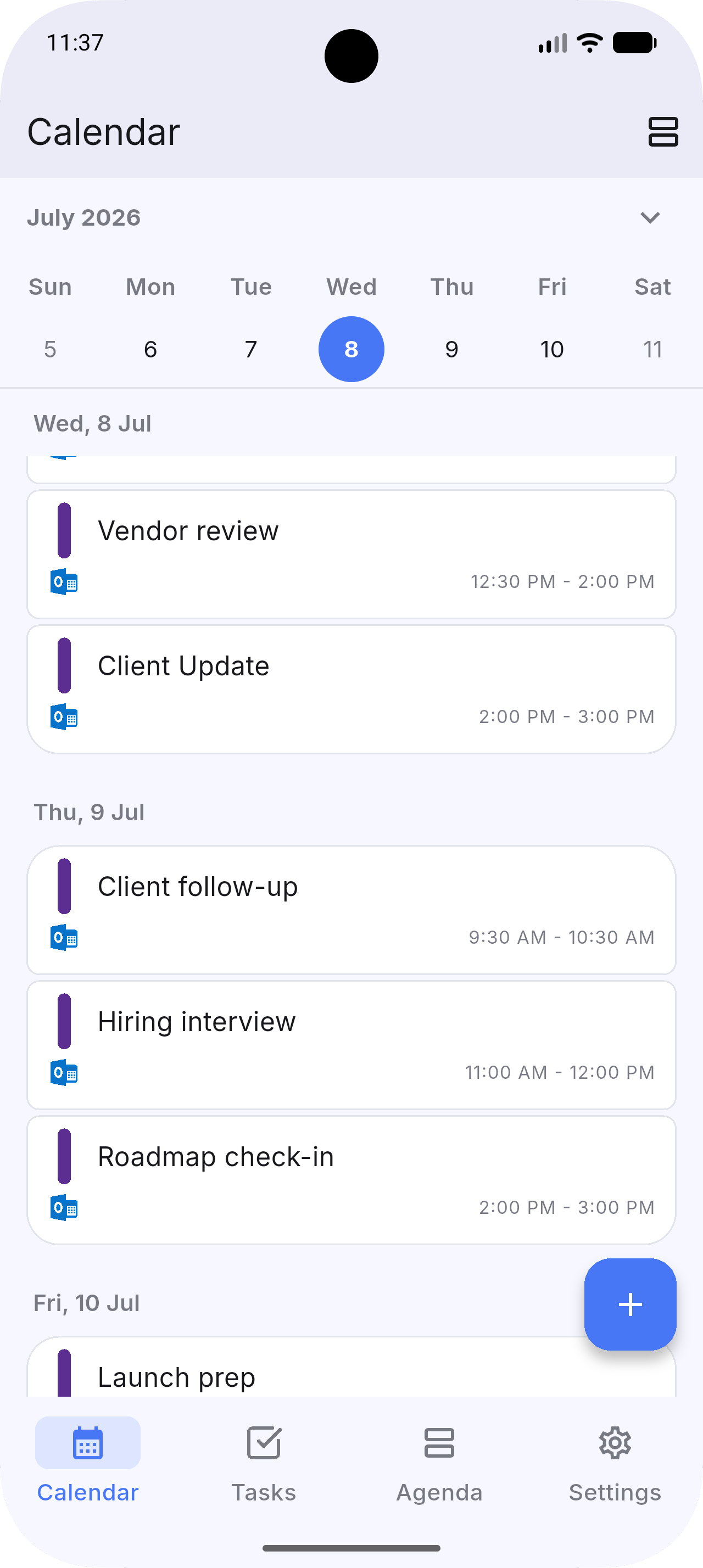
See what the day already holds.
See connected calendars, enrolled Dainvo Calendars, and read-only calendar subscriptions in one place.
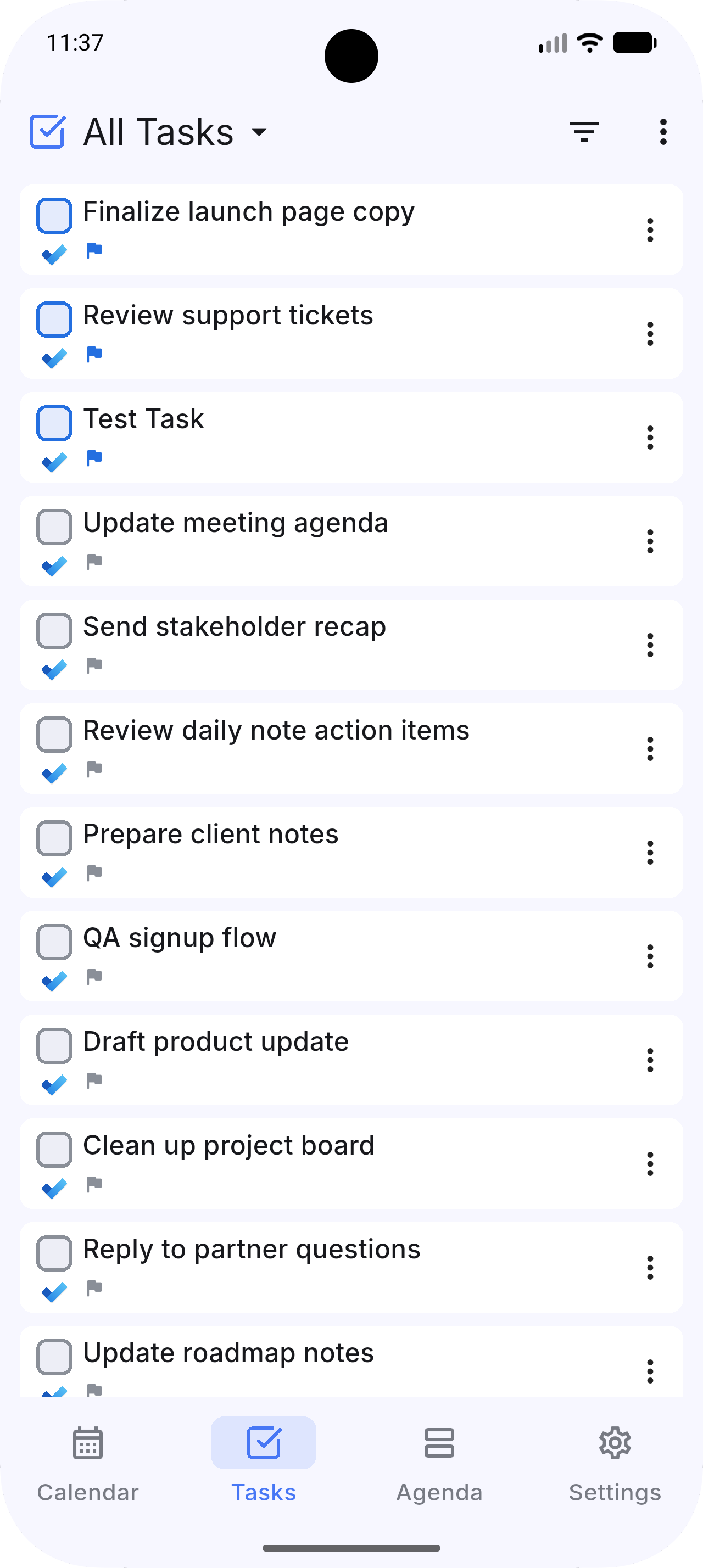
Choose what matters.
Work with supported task providers, then continue Projects and Buckets created on desktop.
 Dainvo
 Google Calendar
 Google Tasks
 Outlook Calendar
 Microsoft To Do
 Apple Calendar
 Todoist
 TickTick
 Obsidian
Make room to do it.
Turn a task into a focused time block in one tap. Protect time for what moves your day forward.
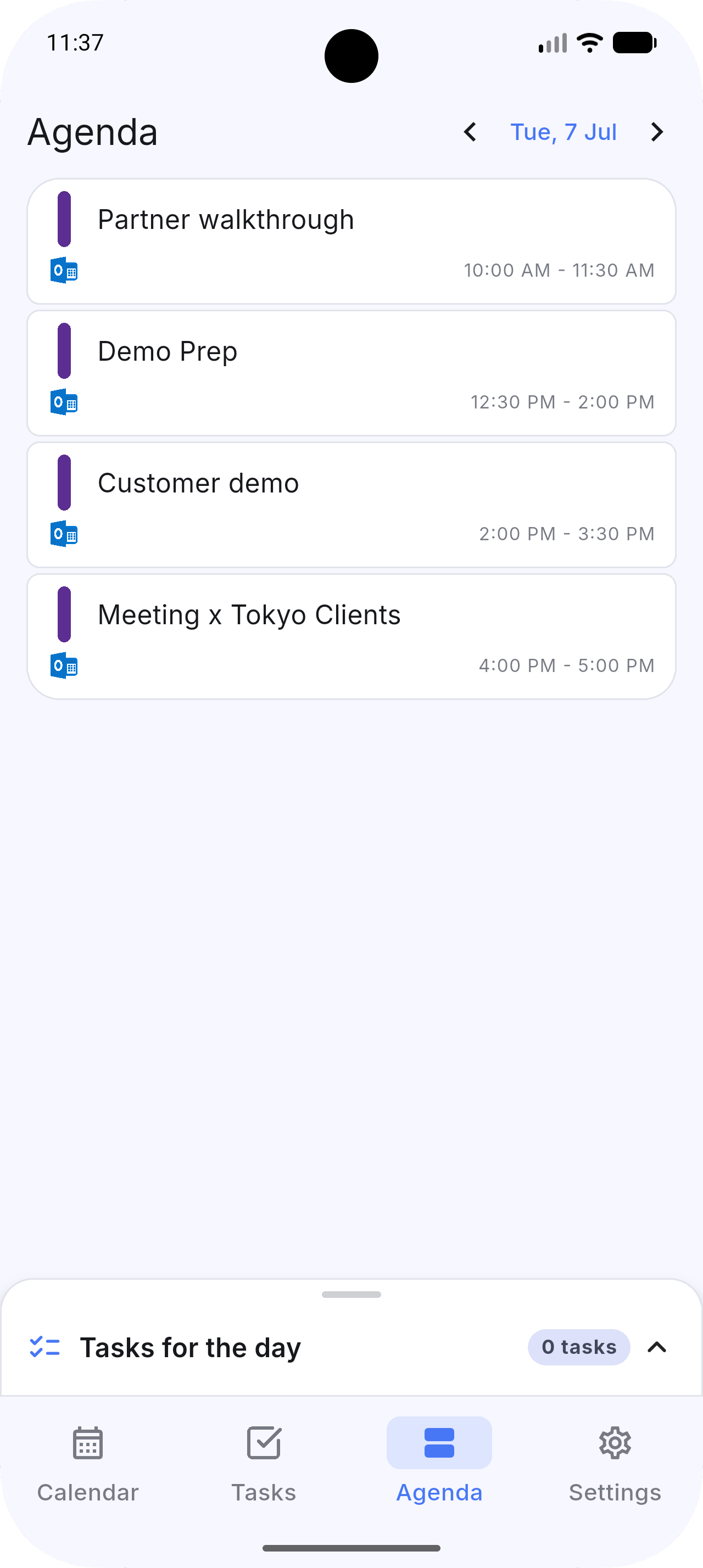
One focused view for right now.
Today’s events and your daily tasks—side by side. Stay grounded. Finish strong.
Your tools come with you.
Keep planning with supported calendars, task apps, Projects, Buckets, and My Day.
Dainvo Daily Notes for mobile are in development. The local editor and cross-device sync are not available in the current release.
Provider content stays with its provider.
Calendar events and tasks from connected providers sync directly with those providers. Dainvo Account sync stores Dainvo-owned tasks and the planning data you choose to sync across devices. Provider tokens stay in secure storage on your phone.
A calmer plan is already in your pocket.
Early Access is available on Android, iPhone, and iPad.