
Plan the work.Then make time for it.
Calendars, tasks, Projects, meetings, notes, local files, and optional AI help in one desktop workspace.
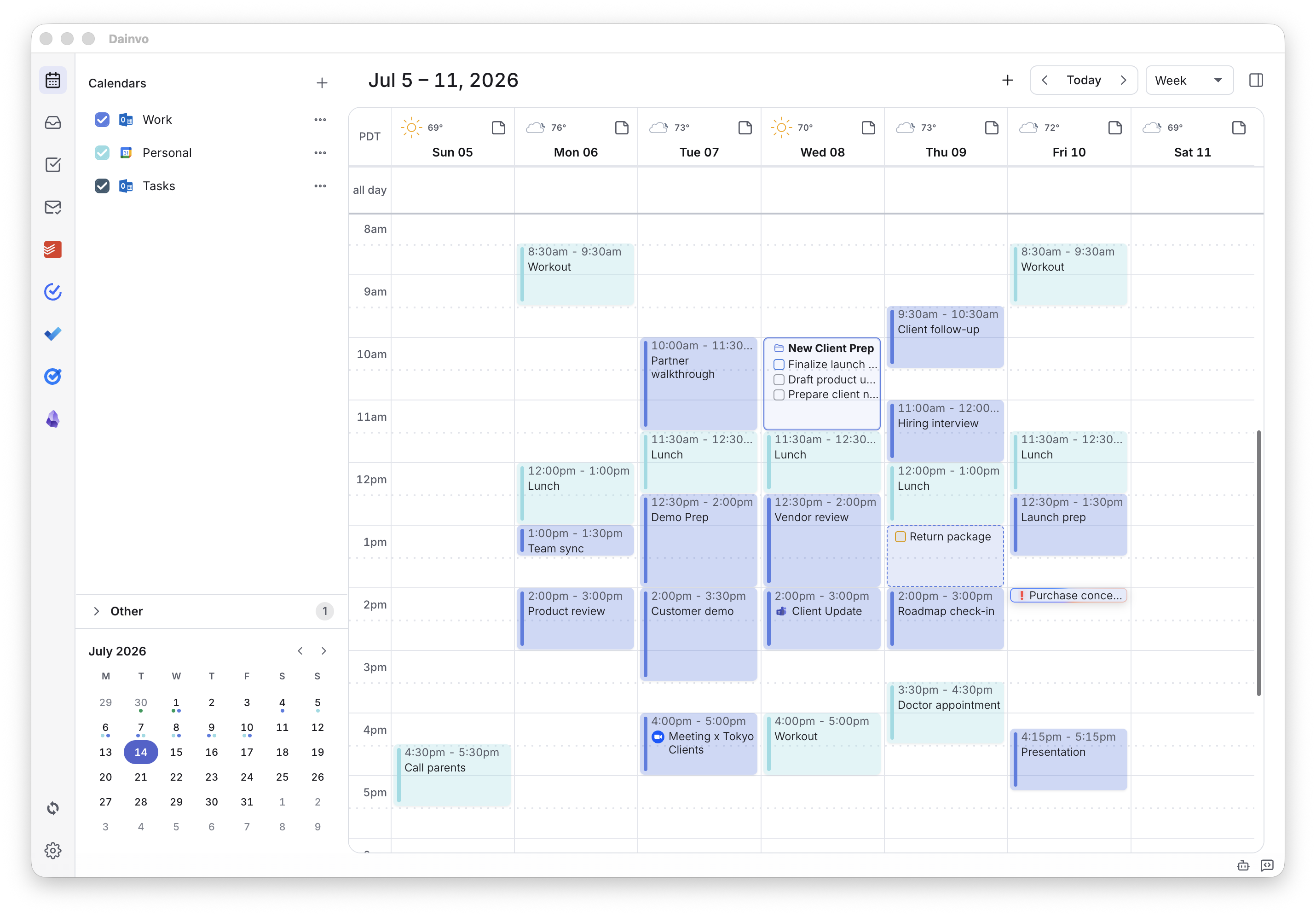
See the whole week at once.
Bring Google, Outlook, Apple, and CalDAV calendars into one clear planning view.
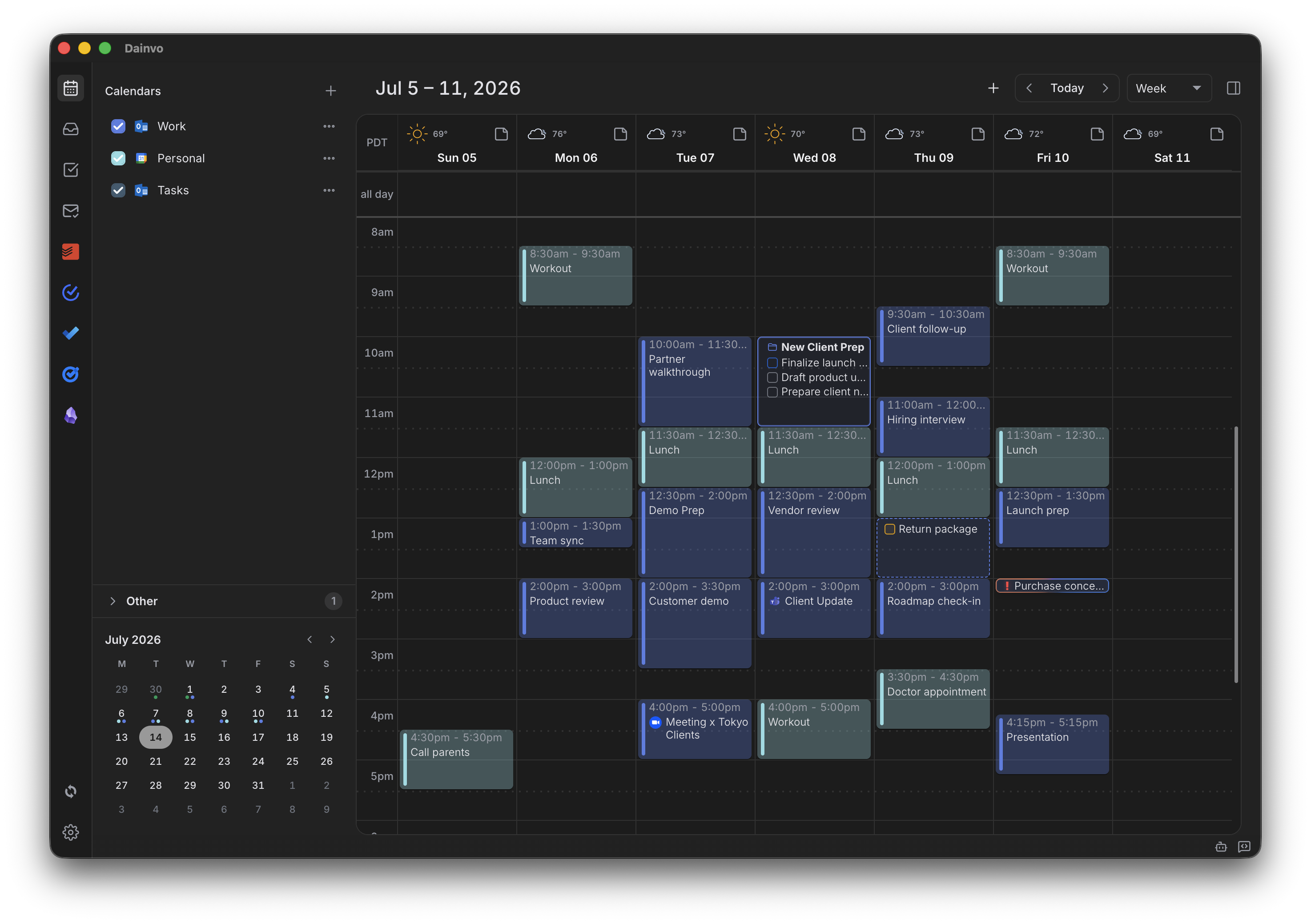
Pull every task into the plan.
Keep Dainvo, Todoist, Microsoft To Do, Google Tasks, TickTick, and Obsidian tasks beside the calendar.
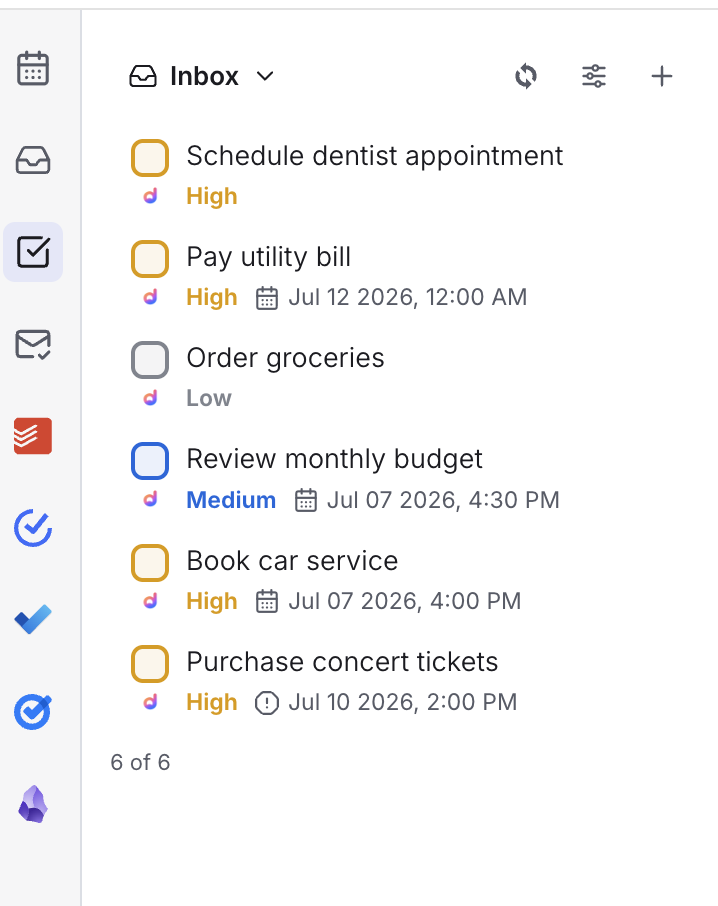
Turn the plan into protected time.
Drag a task onto the calendar to create a work session. Split bigger work across more than one block when you need to.
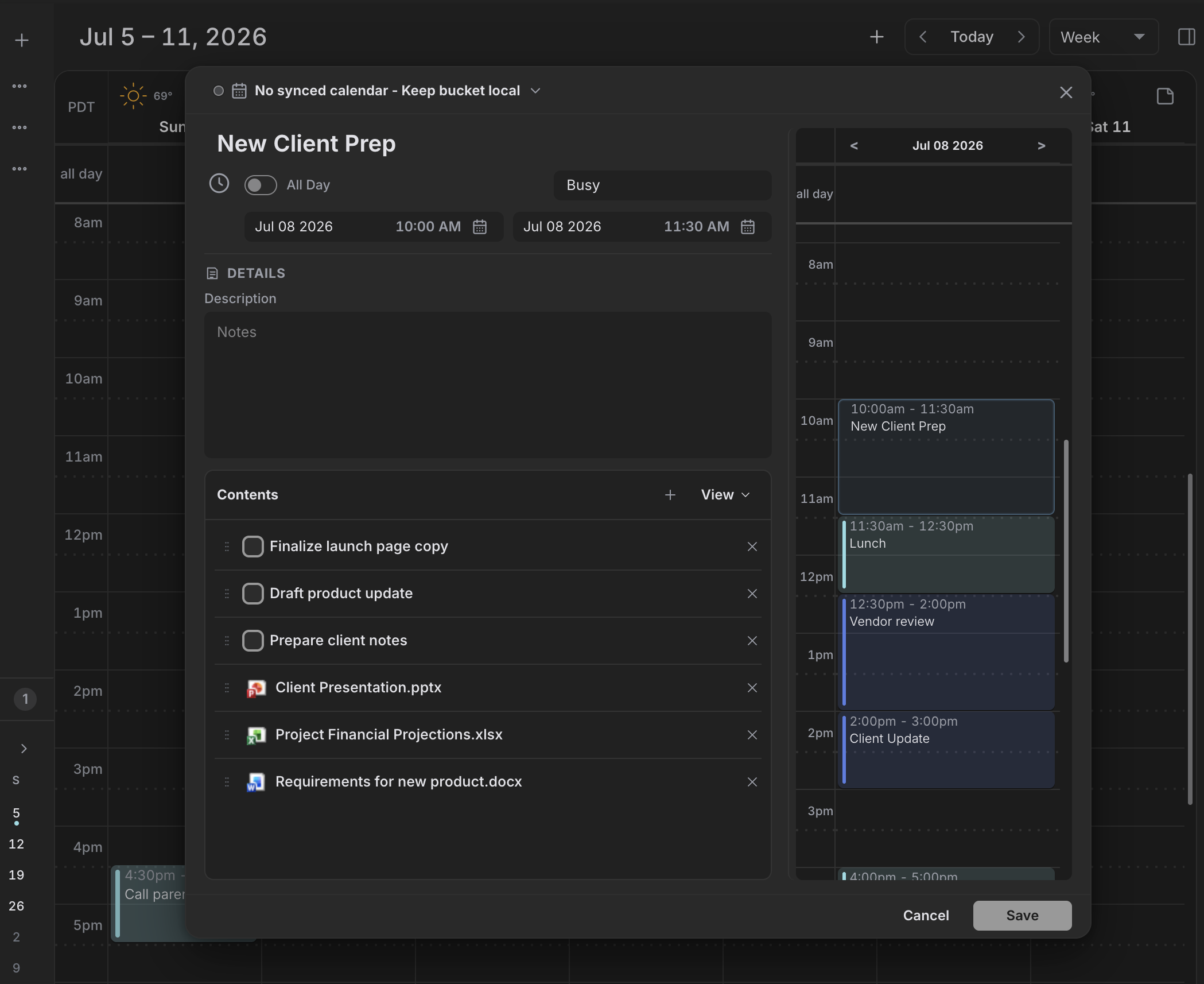
Keep the work inside the block.
Group tasks and local file or folder links inside a scheduled Bucket, ready when the work begins.
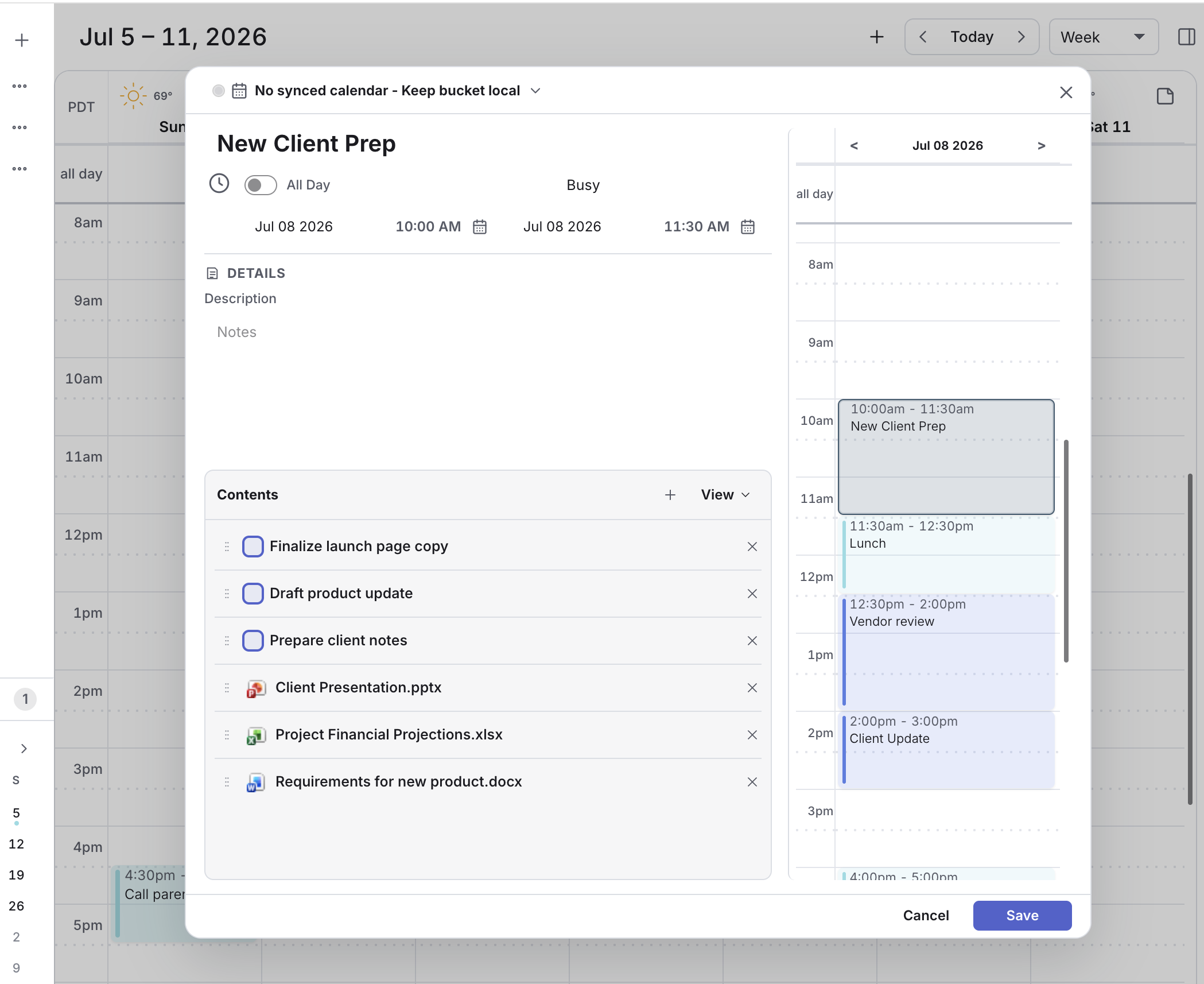
More of the day, already handled.
- Day, week, month, list, and year views
- First-class Projects and Project blocks
- My Day, Inbox, and Automation rules
- Account classifications and Standard hours
- Calendar subscriptions and opt-in Dainvo Calendar sync
- Built-in ChatGPT and Claude on supported packages
- External ChatGPT, Codex, and Claude MCP connections
- Teams, Google Meet, Zoom, and Webex
- Local Dainvo and Obsidian Daily Notes
- Hosted Booking Pages for eligible plans
Your tools, one workspace.
Keep planning with the calendars, task apps, and meeting tools you already use.







Provider content stays with its provider.
Calendar events and tasks from connected providers sync directly with those providers. Dainvo Account sync stores Dainvo-owned tasks and the planning data you choose to sync across devices. Daily Notes, Project Notes, and file links attached to Buckets or Projects stay on your computer.
Dainvo Daily Notes are local Markdown files today. Mobile editing and cross-device Daily Notes sync are in development and are not available in the current release.