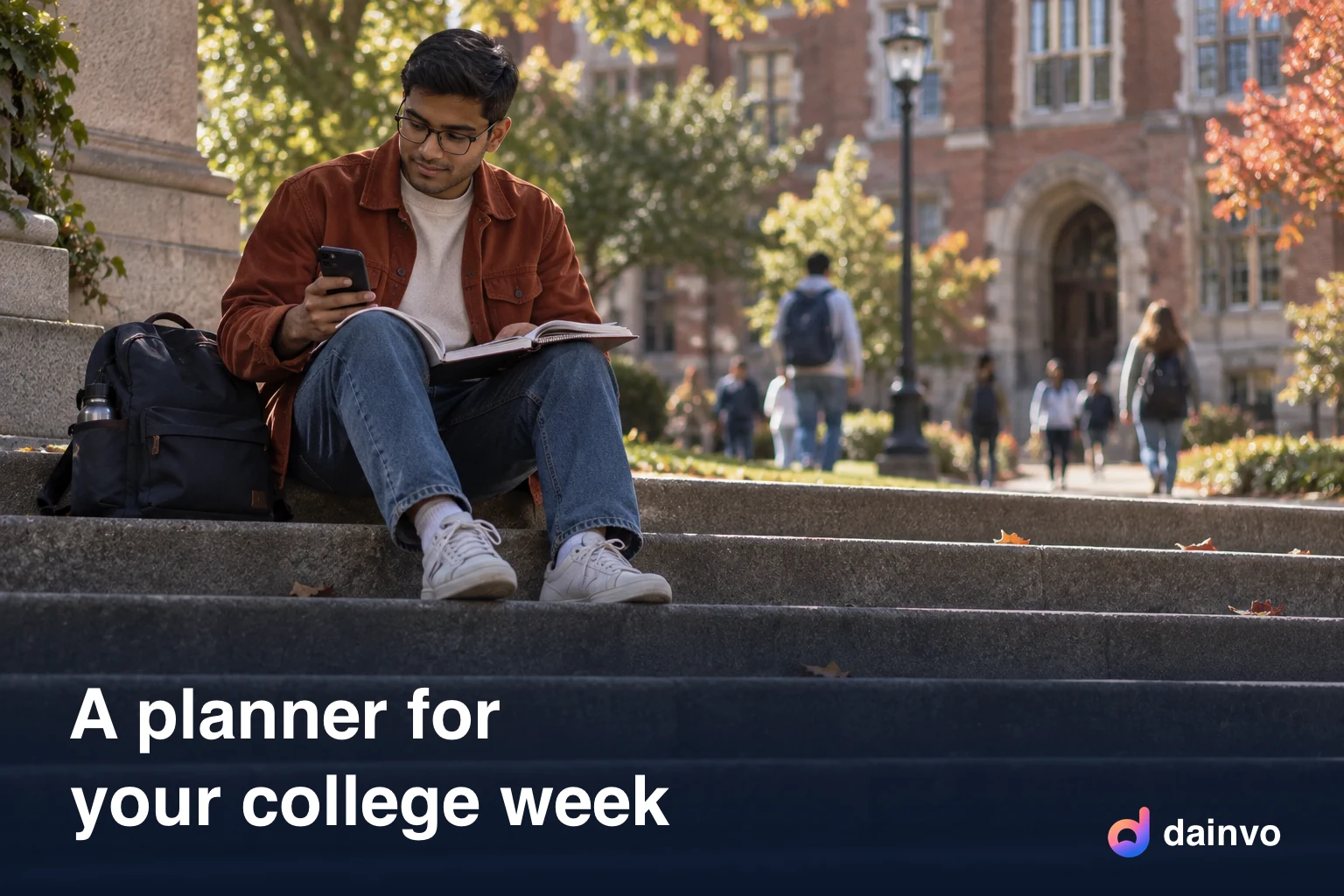
College can put several schedules under your control at once. Classes move around by day. Assignments arrive on a syllabus in September and are due in November. There's a part-time job, a club, a social life and, ideally, sleep. A paper planner can hold it, but it can't remind you, and it doesn't come with you when you forget it in your bag.
Here's what to look for in a student planner app, and which ones are worth your time.
For help using your planner, see how to track assignments across course sites, email and paper and how to make a realistic college study schedule.
Quick answer
- Free and simple: Google Calendar plus Google Tasks, or Microsoft To Do if your school uses Microsoft 365.
- Class timetables and assignments: dedicated school planner apps; check grade tracking if you need it.
- Tasks and habits: TickTick.
- Planning across several calendar and task accounts: Dainvo desktop (Beta), with Dainvo Mobile in Early Access. Desktop planning starts on Free; Bucket and Project sync requires Pro.
What students actually need
- Your class schedule as a repeating calendar.
- Assignments with due dates that don't get lost.
- Study time planned before the due date, not the night before.
- Work and personal calendars next to classes, so you don't book a shift during a lab.
- The same plan on your laptop and phone.
- A free or cheap price.
Check study-time scheduling as well as assignment reminders. Several apps below can reserve work time; the useful question is whether they do it in the calendars you already use.
The apps
Google Calendar and Google Tasks
If your school uses Google Workspace, you already have both. Add your classes as repeating events. Add assignments as tasks with a due date, and they appear on the calendar.
Planning: Google Calendar lets you set a task's start and end time separately from its deadline. Use that for a study session without changing when the assignment is due. Recurring tasks can't have an end time; use recurring events for regular classes.
Microsoft To Do and Outlook
The Microsoft 365 version of the same idea. My Day helps you pick what to do today. In Outlook you can drag a task onto the calendar to block time.
Trade-off: Outlook can show Google calendars too, but To Do task planning still lives in the Microsoft workflow. Check your school's account permissions before depending on a personal-calendar connection.
School-specific planners
myHomework Student Planner tracks classes, homework, tests and assignments, and supports time-, block- and period-based schedules. Other school planners have different feature sets; check grade tracking rather than assuming it's included.
Trade-off: verify whether the app can also show your work shifts and personal calendar. A class timetable alone may not cover your whole week.
TickTick
Tasks, a calendar view (Premium), a Pomodoro timer and habit tracking in one app, on Windows, macOS, Linux, Android, iOS and web. Use the focus timer to pace study sessions. See Todoist vs TickTick.
Weak spot: the full calendar views need Premium, US$49.99 a year when checked in October 2026.
Notion
Lots of student templates, great for notes and course pages.
Trade-off: templates still need some setup. Notion Calendar can show dated course or assignment database items alongside connected calendars, so check that option if you already use Notion.
Dainvo
Dainvo runs on Windows, macOS and Linux, with Dainvo Mobile in Early Access on Android and iPhone. It's built around one idea that suits students: a due date and a study session are different things.
- All your calendars together. School Google or Outlook, personal Google or iCloud, work schedules, in one view.
- Assignments as tasks. Use Dainvo Tasks, or keep using Google Tasks, Microsoft To Do, Todoist or TickTick.
- Study blocks. Drag an assignment onto the calendar to create a task block. The due date or deadline stays the same. An essay can get several blocks across the week (free for Dainvo Tasks).
- Buckets for study sessions. One "Chemistry review" block that holds three tasks and a link to your lecture notes folder.
- Desktop notes. Markdown notes for each day or lecture, saved as files in a folder you choose.
- Reminders from the system tray, even when the window is closed.
- Year view as a heatmap, so you can see crunch weeks coming.
Free plan: calendar, tasks, Buckets, meetings and notes, one Windows or Mac desktop (Linux desktops aren't limited) and one phone, and up to four active integrations on Windows and macOS. Pro ($5 a month or $48 a year at the launch price) adds desktop My Day, Projects (good for a thesis), Bucket and Project sync, unlimited integrations and Account classifications, which let you mark an account as School, Work or Personal and set core hours for each.
A simple semester setup
- Add classes as repeating events on one calendar called "Classes".
- Copy every deadline from every syllabus into tasks on the first weekend. Yes, all of them.
- Look at the year or month view and find the weeks with three deadlines. Those are your crunch weeks.
- Each Sunday, estimate the work left on each assignment and give it study blocks before the deadline. An essay might need separate sessions for reading, outlining and drafting; adjust after the first session instead of using the grade percentage as a time estimate.
- Protect your shifts and sleep as fixed events.
- Each evening, check tomorrow and move what didn't happen.
For a deeper walkthrough of planning blocks, read the time blocking guide. For tips on the weekly check-in, see the weekly review template.
FAQ
What's the best free planner app for college students? Google Calendar with Google Tasks, Microsoft To Do, or Dainvo's free plan if you want study blocks planned on one calendar across school and personal accounts.
Is there a student discount? Many apps offer one, so check before you pay. Dainvo's free plan covers most student needs.
Can I use Dainvo on a school Chromebook? Dainvo desktop runs on Windows, macOS and Linux. Chromebook support is coming soon. If your Chromebook runs Android apps, you can also check whether Dainvo Mobile appears in Google Play on it.
How do I stop leaving assignments until the last minute? Give each assignment study blocks on the calendar as soon as you get it, not just a due date.
Try the Dainvo demo in your browser.