Your saved list contains a video about spreadsheets, a guide to taking better notes and several explanations of a tool you wanted to learn. Adding another video is easy. Deciding what to try on Tuesday is less obvious.
Choose one item because it helps with something you want to do. Decide what you'll make, give the attempt a place in the week and use the tutorial when you reach the part it explains.
Anne-Laure Le Cunff's article on checking your understanding, published in April 2026, asks whether familiar information is something you can explain. That older discussion raises a useful question for a saved tutorial: what small result could you produce and check for yourself? The example below is an original practice exercise, not a tested learning intervention.
Choose a use before choosing a video
"Learn spreadsheets" gives you an almost unlimited amount to watch. "Make a small sheet that groups this month's expenses by category" gives you something to attempt.
Pick a result that is useful and small enough to inspect. You could crop and export a photo for a project, write a short introduction in a language you're learning or produce one chart from example data.
Use sample information when the work involves private records. You can learn how to group expenses with invented rows instead of putting your bank history into an unfamiliar service.
Once the result is clear, choose the saved item most likely to help. If none of them addresses the task, you can look for a more relevant explanation. The saved list doesn't have to become a course you feel obliged to finish.
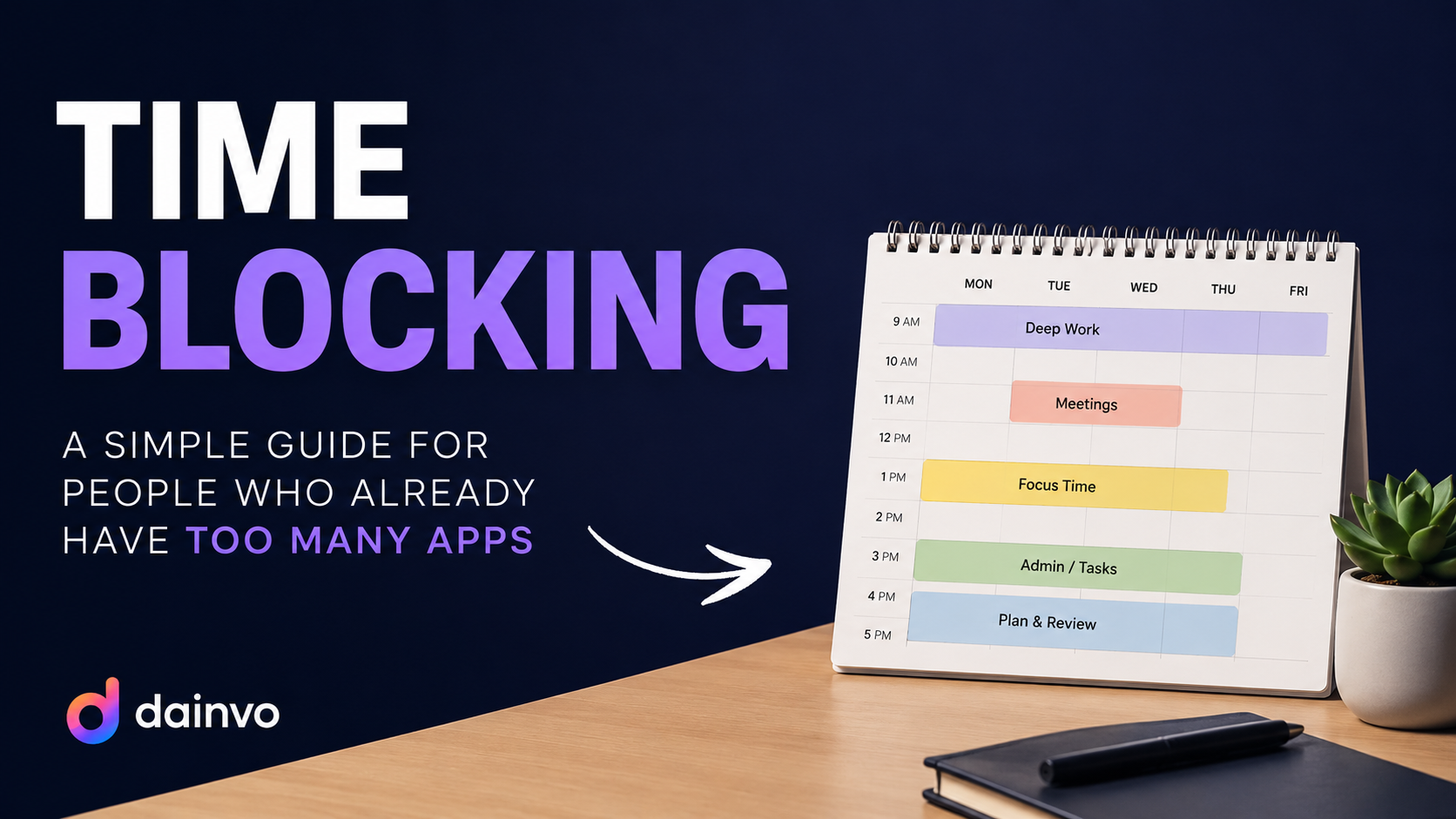
Give the first attempt a place on the calendar
Put the attempt into a real opening and include time to set up. A label such as "Make the sample expenses sheet" is more useful than "watch learning videos."
Keep the first session limited. You might try a small example, note the difficulty and return later. The duration should fit the task and the day; it doesn't need to match the length of the video.
Suppose you have 40 minutes before leaving home. You could use the first part to enter sample data and attempt the result. If you get stuck, use the relevant tutorial section. Leave a few minutes to save the file and note the next question.
Don't spend the departure time choosing another course. If you discover that you need software you don't have or a prerequisite you haven't learned, make that the finding and decide when to address it.
Attempt enough to find a real question
You don't have to struggle indefinitely before asking for help. But a first attempt gives you something more precise than "explain everything."
For the sample sheet, you might discover that the categories are inconsistent. Some rows say "travel" and others say "transport." That is a concrete problem to resolve before expecting a useful summary.
Go back to the source with that question. Watch the section that shows the relevant step, pause and try it in your own example. If you use an AI assistant, provide the sample and describe where your attempt differs from what you expected.
You could ask it to explain the error or give a hint before a complete answer. Then try the step again. Check the result against something you can verify, such as the small set of example rows you entered yourself.
Check whether you can repeat the part you need
Following a demonstration can get a result onto the screen without showing whether you can use the method again. Make a second small example or change one input and predict what should happen.
If you can't explain the result, return to that part. You may need a simpler example, another explanation or help from a teacher or colleague. A saved output and an understood method are different results.
This isn't a ban on AI answers or step-by-step instruction. They can help you move past an obstacle. The question is whether the assistance leaves you able to do the thing you wanted to learn.
Avoid treating a difficult attempt as proof that you're bad at learning. Difficulty can also reveal a missing prerequisite, an unclear tutorial or a task that was too large for the available session.
Save a useful note, then decide what happens next
At the end, record what you made, where it is and what you still need to practise. For example: "Sample sheet saved in the practice folder. Categories are consistent. Next, check how to include a new row."
You can keep that note with the work. On desktop, Dainvo Notes stores local Markdown in a folder you choose; a Bucket or Project can also link the local files needed for a session. File links are references, not uploads. Projects require Pro.
If the practice solved your immediate problem, you can stop. If you need another attempt, schedule that specific step. The saved tutorial has become useful when it helps you do something, even if the rest of the watch-later list stays unwatched.
For an exam, use the subject's actual questions and marking guidance to choose what to practise. The guide to studying for multiple exams works through that different planning problem. A tutorial project can help you learn a tool, but it does not tell you which material an assessment will cover.