If you want the safest, broadest all round recommendation today, Morgen is the strongest pick. Its official pages combine multi calendar management, two way sync, task integrations, AI planning, conferencing links for Zoom, Google Meet, Microsoft Teams and Webex, plus apps for Windows, macOS, Linux, web and mobile. It also offers a student and academic discount, which matters if you are comparing value as well as features.
If your priority is a calmer, more intentional day, Sunsama is the better fit. Its official site is built around guided daily planning, timeboxing, unified task imports, email to task workflows, and work-life balance. Akiflow, by contrast, is more aggressive and speed-focused: it leans hard into quick capture, AI help, imports from many tools, and turning messages into tasks fast.
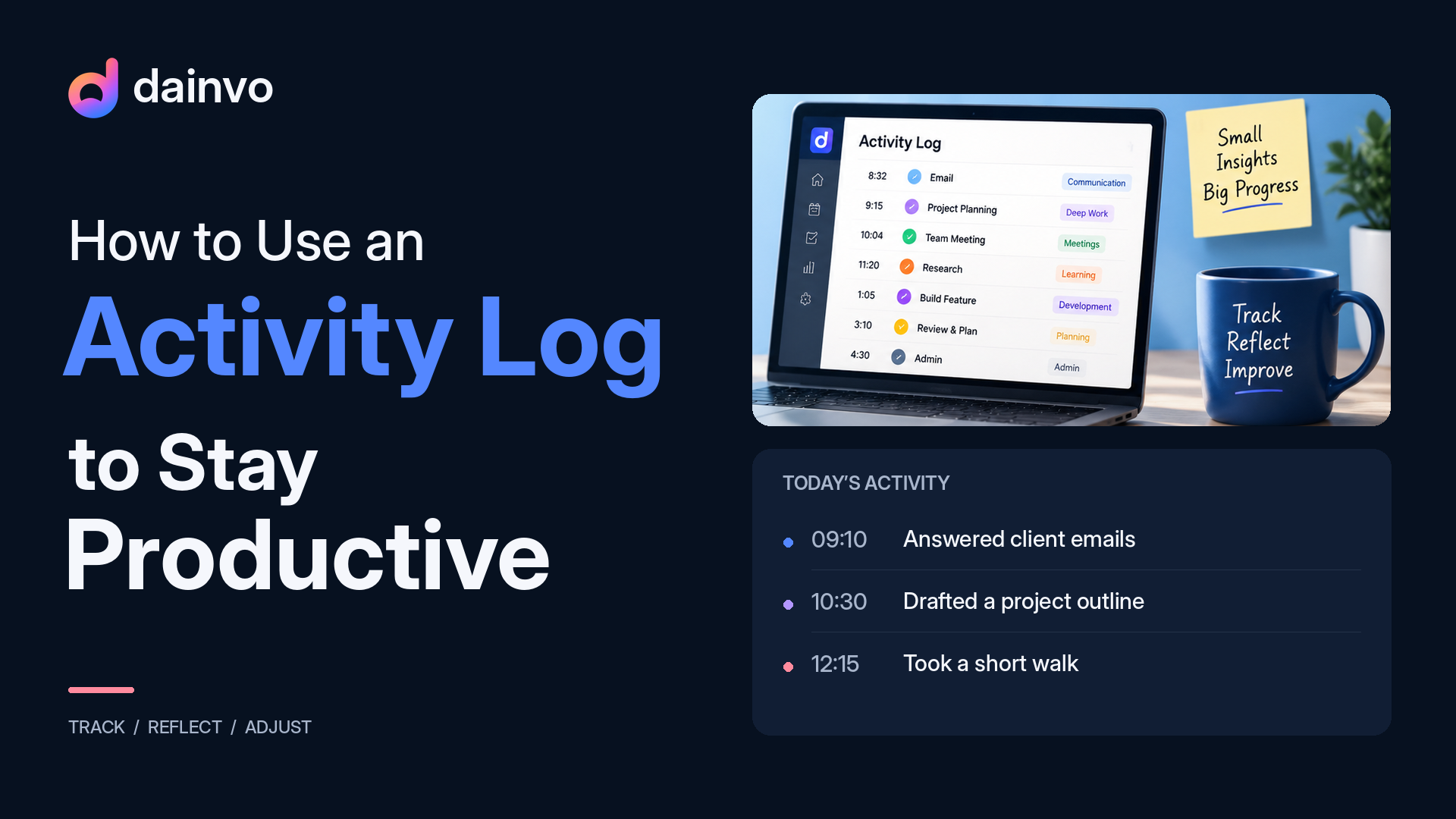
Dainvo is the most interesting emerging option in this group. Dainvo's public pages describe a desktop app for Windows, macOS, and Linux. The app focuses on calendar planning, task scheduling, Todoist support, "buckets" that let one time block contain multiple tasks, and a task composer that can create tasks for Dainvo, Todoist and Microsoft To Do from one place. That combination is unusually practical for busy office professionals and students who want fewer app switches.
Ranking
Top Pick Overall
Morgen is the best overall choice for most busy professionals and students. It does the best job of balancing breadth and polish: all your calendars in one place, calendar sets, two way sync, manual and AI-supported time blocking, task imports from tools like Notion, Todoist, Google Tasks and Microsoft To Do, Outlook flagged emails as tasks, one-click conferencing, and Quick Join across desktop, browser and mobile. It is also the only app in this comparison whose official pages clearly combine that breadth with such wide platform coverage.
Pros: best mix of calendar power, task integrations, meeting links and platform coverage; strong student discount.
Cons: it is not cheap at full price, and its official materials are clearer on syncing and updating external tasks than on creating brand-new tasks directly inside every third-party task tool.
Runner Up
Sunsama is the best choice if you care more about calm planning than raw power. Its official messaging is all about staying focused, setting realistic goals, timeboxing, and ending work on time. It pulls work into one place from calendars, project tools, Gmail, Outlook, Slack, Teams, Todoist and Microsoft To Do, and its Todoist and Microsoft To Do pages explicitly say that imported tasks checked off in Sunsama are synced back to the source app.
Pros: the calmest user experience in this list; very good email and messaging capture; strong platform coverage.
Cons: no free-forever plan is shown, and at current pricing it is still a premium app. Its official pages also foreground Teams and scheduling links more than a broader conferencing hub like Morgen's.
Best for fast capture and AI-heavy workflows
Akiflow is the best fit for people who move fast, capture constantly, and want an AI-first workflow. Its official feature pages emphasise a universal inbox, imports from a very large number of tools, turning email or messages into tasks, Google Calendar and Outlook support, Microsoft Teams and Zoom integrations, colour-coded time slots, and the Aki AI assistant for rescheduling and workflow automation.
Pros: excellent for quick capture, power-user planning and AI-heavy daily control; strong meeting-assistant direction.
Cons: it is the most expensive individual plan here, and on the official pages I reviewed, its platform story beyond iOS and Android was less clearly laid out than Morgen's or Sunsama's.
Best emerging value pick
Dainvo is the best emerging choice for users who want a simpler, lower-cost hub for calendars, tasks and work sessions. The public product pages show calendar and task planning, current integrations such as Google Calendar, Microsoft Outlook, Todoist and Microsoft To Do, and a "bucket" model where one scheduled block can hold multiple tasks. The task workflow can create tasks in Dainvo Tasks, Todoist and Microsoft To Do, which is one of the clearest direct differentiators versus the official marketing I found for the other apps.
Pros: practical session-based planning, clear desktop focus, and a compelling "create tasks in the app you already use" story.
Cons: public evidence is thinner than for the more mature competitors. With Free and Pro at the $5/month launch price, Dainvo is also one of the strongest value options in this list.
Feature and pricing comparison
The Dainvo row below uses Dainvo's public product pages, downloads page, and pricing page. The other rows use public, official pages reviewed on 23 May 2026.
| App | Planning | Tasks and Inbox | Meetings and Extras | Platforms and Price |
|---|---|---|---|---|
| Dainvo | Desktop calendar planning with work-session "buckets" and public calendar integrations including Google Calendar and Microsoft Outlook. | Task creation and scheduling with current integrations including Todoist and Microsoft To Do. | Meeting links and work files stay close to the planned workday. |
Windows, macOS, and Linux public downloads.
Free with a 7-day Pro trial, Pro at the $5/month launch price, Teams coming soon, and Enterprise available through managed sales. |
| Morgen | Unified calendars, calendar sets, two way sync, manual and AI-supported time blocking. | Imports tasks from Notion, Todoist, Google Tasks, and Microsoft To Do; can sync status and update due dates; converts flagged Outlook emails to tasks. | One-click conferencing, Quick Join, and official support for Zoom, Google Meet, Teams, and Webex links. |
Windows, Mac, Linux, web, mobile.
$30 monthly or $15 monthly billed yearly; team plans $25/$10 per seat; 14-day trial; 25% student/academic discount. |
| Akiflow | Calendar plus time blocking, time slots, availability slots, calendar colours, and colour-coded time slots. | Imports tasks from integrated tools, turns email and messages into tasks, and leans into a universal inbox plus AI capture. | Official pages clearly mention Zoom, Microsoft Teams, scheduling links, meeting notifications, and a meeting assistant. |
iOS and Android are clearly listed on official pages reviewed.
$34 monthly or $19 monthly billed yearly; 7-day trial; student/researcher discounts by request. |
| Sunsama | One calendar view, timeboxing, bi-directional sync with Google, Outlook, and Apple calendars, plus auto-scheduling. | Pulls tasks from major task/project tools; drag Gmail or Outlook emails into the daily plan; convert Slack and Teams messages into tasks; syncs completions back to Todoist and Microsoft To Do. | Teams integration and meeting scheduling links are clearly marketed; broader conferencing coverage is not foregrounded like Morgen's. |
iOS/iPadOS, Android, macOS, Windows, Linux.
$22 monthly or $17 monthly billed yearly for Pro; 14-day trial; no free-forever plan shown. |
On colour-coding, Akiflow is the only competitor in the reviewed official pages that clearly foregrounds colour-coded time slots and calendar colours. Morgen and Sunsama strongly market unified calendar views, but colour-coding is not emphasised in the same explicit way on the pages reviewed. On AI, Morgen pushes AI Planner, Akiflow pushes Aki and AI Workflows, and Sunsama includes AI in its paid plan; Dainvo's optional assistant appears to be a planned feature mentioned by the Dainvo team rather than something broadly documented in the public materials I reviewed.
Who Dainvo is best for
Dainvo looks best for the person who plans in work sessions, not just single tasks. Think of the office professional who wants an "Admin block" with several follow ups inside it, or the student who wants a "Study block" with reading, notes and revision grouped together. Dainvo's bucket model is unusually well suited to that kind of real-life planning, because one scheduled block can contain multiple tasks instead of forcing every tiny action into its own calendar slot.
It is also a strong fit for someone who already uses Todoist or Microsoft To Do and wants to create tasks in the right place without bouncing between apps. That is where Dainvo can position itself differently: not as "yet another AI scheduler", but as the app that helps you see your day, create the task where it belongs, and block time to actually do it. If its document-linking direction lands well, that becomes even more compelling for meeting prep, coursework, and project work.
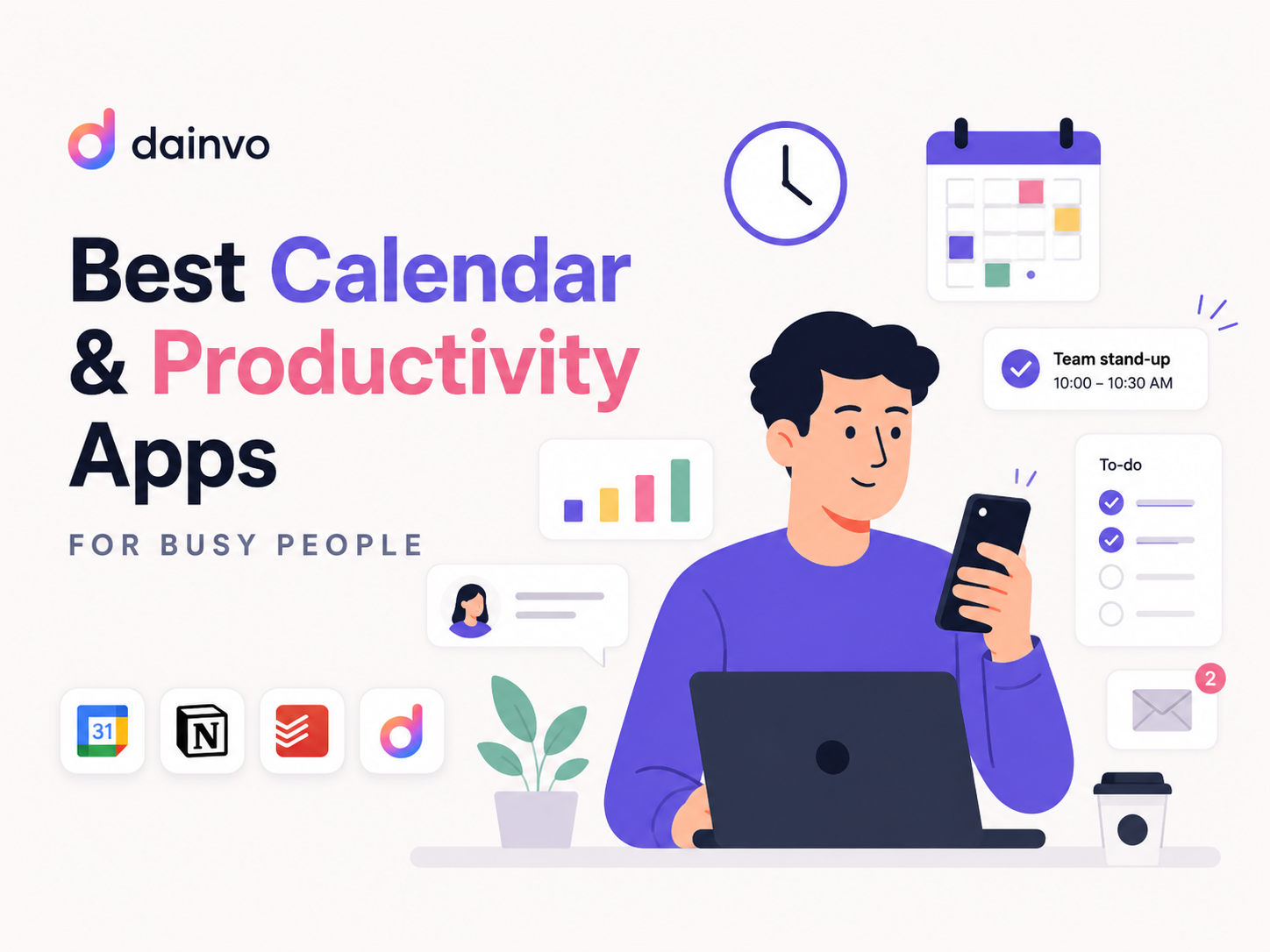
If you are tired of stitching together a calendar app, a task app, meeting links, and scattered work blocks, Dainvo has the clearest opportunity to stand out as the simpler alternative. Its best story is straightforward: one place to see your day, create the task where it belongs, and block time to get it done.